A messenger you pair in person
Keyweave is a secure messenger with an unusual trust model. Two people pair in person by pointing one camera at another screen, which streams a signed contact card as an animated QR code. A camera pointed at a screen cannot be intercepted from the network, so physical presence is the authentication, which is the part end-to-end-encrypted systems usually leave to the user: Signal's safety numbers, PGP's web of trust. After pairing, messages travel over ordinary clearnet as sealed ciphertext through a dumb mailbox relay.
The app runs at keyweave.localfirstlab.org, which is the application itself and not a page about it. Its relay runs on a host of its own. This is the page about it.
Pair once, in person
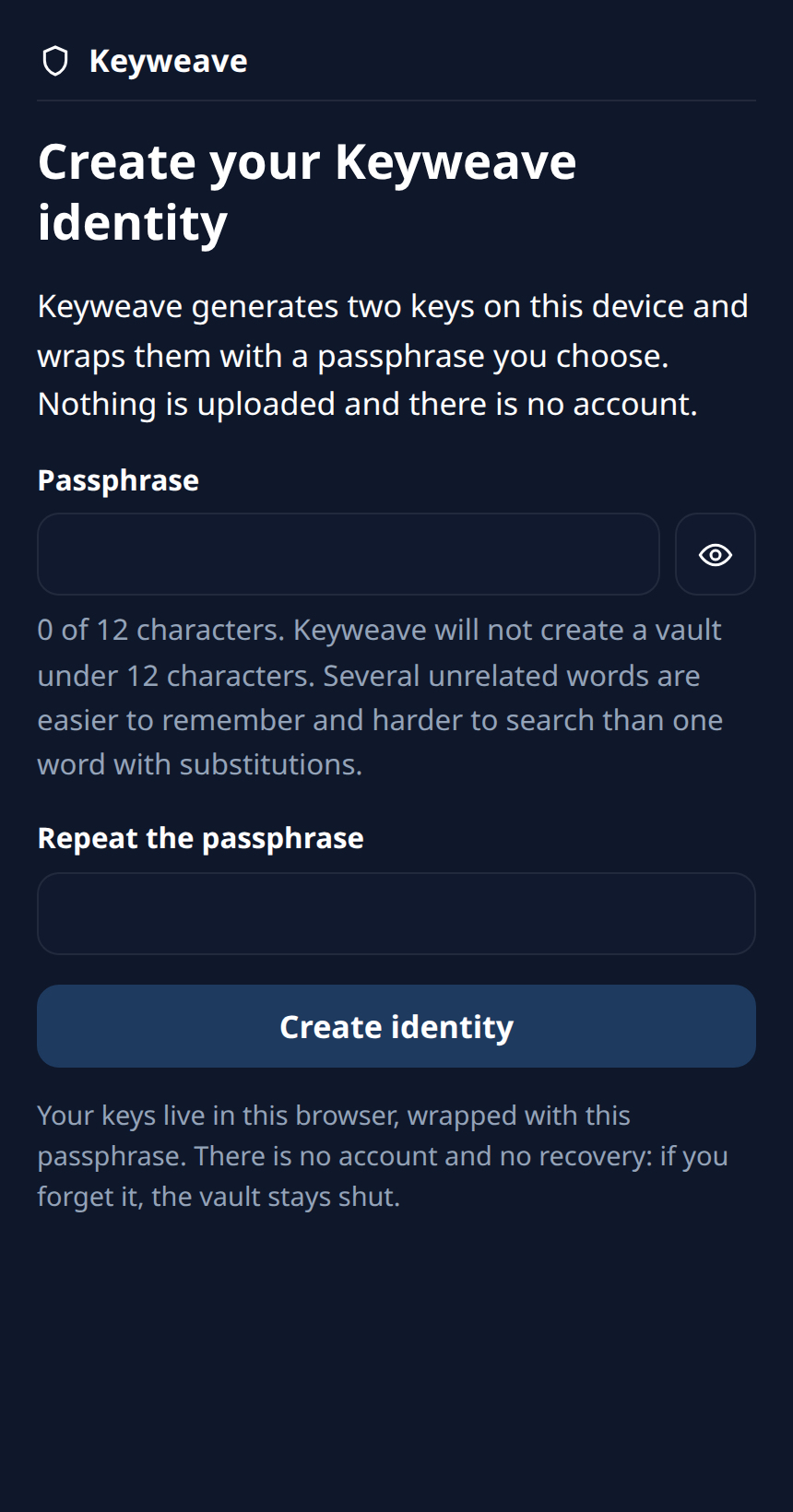
Pairing needs two devices in the same room, each with a camera and a screen, both with the app open. A single device can create an identity and look around, but it cannot finish a ceremony alone, and the vault is sealed with a passphrase that is escrowed nowhere, so forgetting it loses that identity.
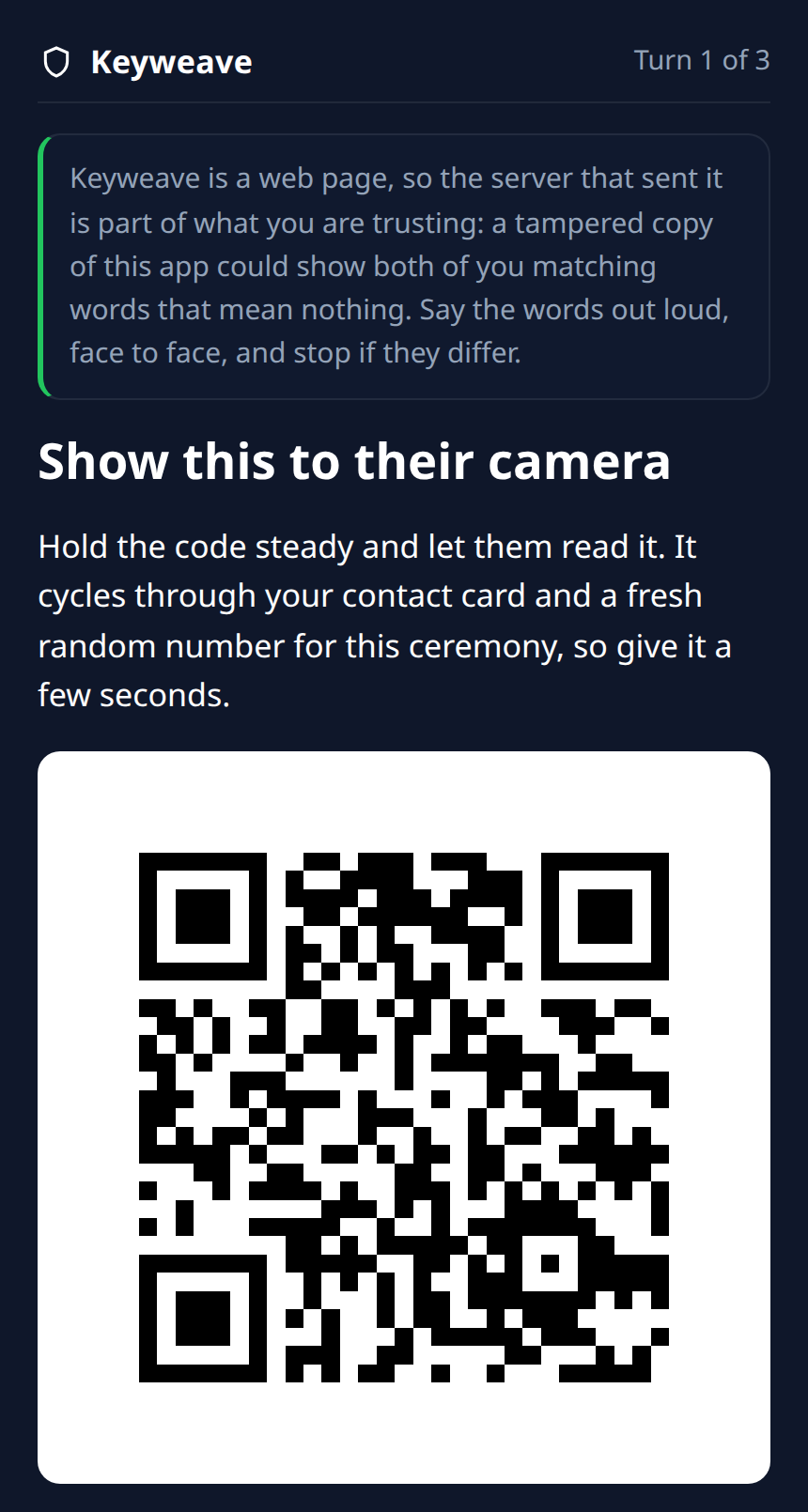
One screen shows
The first device paints a signed contact card as an animated QR code: a stream of frames rather than one static square, so the card can be larger than a single code and keeps repainting until the other side has all of it. The fountain-coded optical transport is vendored from decimen.
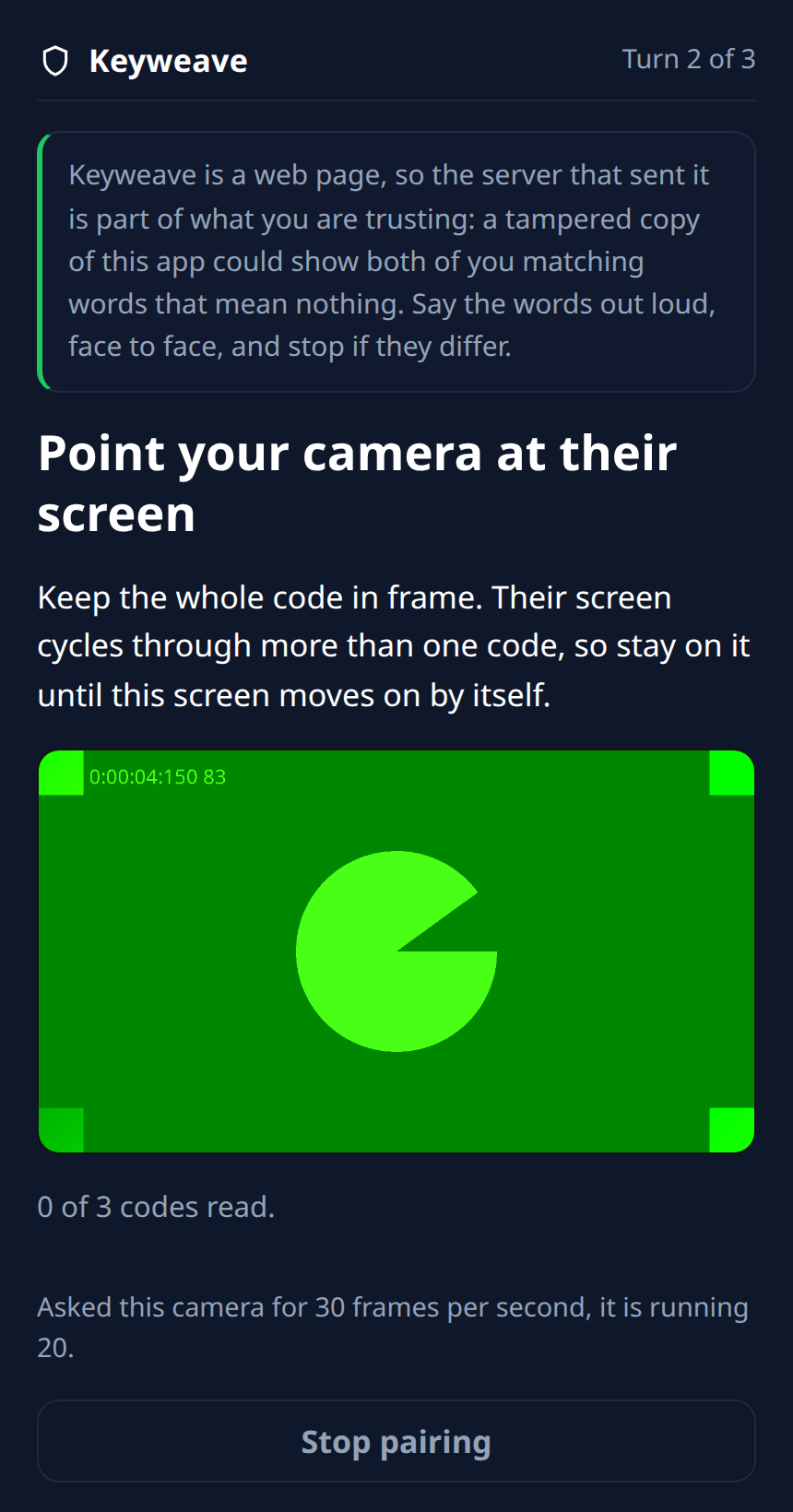
The other camera scans
The second device points its camera at that screen and reads the frames as they arrive. Then the two swap roles, so each side ends up holding a card the other side showed it in the room, not one a server handed over.
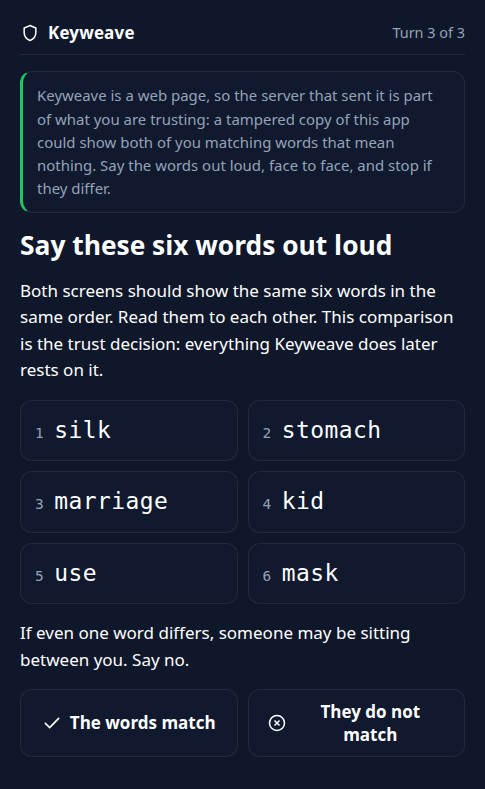
Both people compare six words
Each screen derives six words from what was actually exchanged. The two people say them aloud to each other, and only then does either press "The words match". Words that differ mean something went wrong.
Every screen below is the real app, driven by a machine rather than photographed. No state here is mocked and no conversation is injected: each screen was reached by clicking through the shipped client, and what was real and what stood in for a person is recorded per image.

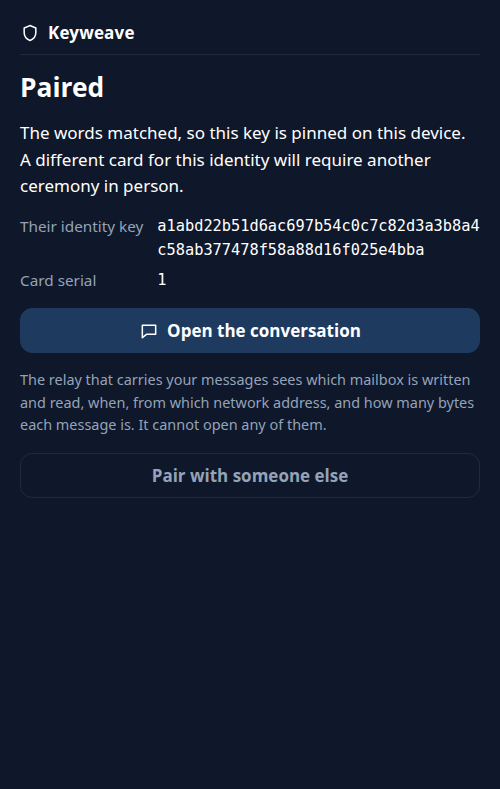
Why a camera beats a server
Encrypting a message is the easy half. The hard half is knowing whose key you encrypted to, and most systems hand that question back to you at the end: compare these safety numbers, trust this signature chain. Keyweave answers it with the room you are standing in. Light crossing the gap between two screens carries no packets, so there is no network position from which to interpose. Physical presence is the authentication.
Two things this does not hide. Pressing Show or Scan reserves a drop box at the relay before anyone has decided anything, so the relay learns that a network address began a pairing at that moment, even for ceremonies the two people then refuse. It learns no identity and reads no plaintext, but a refused pairing is not invisible to it. That is residual R19. And the codes themselves are in the clear: a bystander who films the screen reads no messages, but a filmed code carries the write capability for one of the two drop boxes and can be used to fill it. That is residual R8.
What the relay can and cannot see
It sees
- which mailbox is written and which is read
- when, and how often
- the network address doing it
- how big each message is
It never sees
- the plaintext of any message
- your identity keys
- who you are, by name or by account
- enough to forge a message it carries
An observer of the relay can therefore link talking mailboxes by timing and network address. That is residual R3, named rather than papered over.
When the words do not match
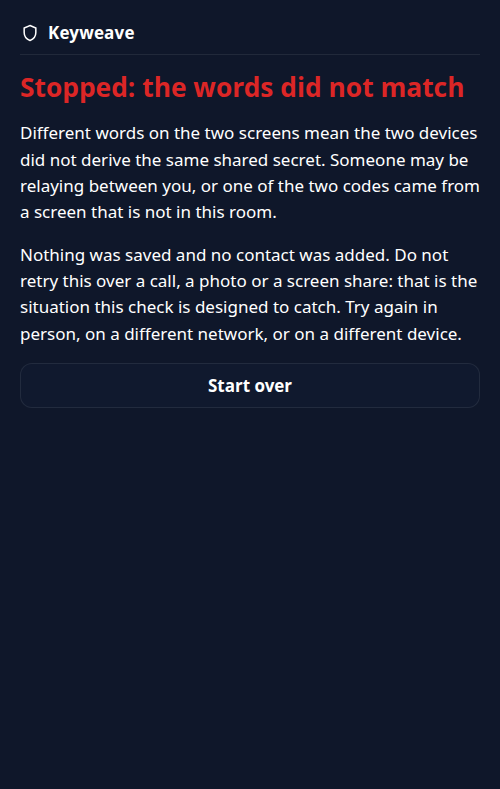
The app never decides this. It shows both people the six words and waits; a human presses the button. Press the second one and the ceremony ends there, with nothing kept.
Say these six words out loud
They do not match
Stopped: the words did not match
Nothing was saved and no contact was added. Do not retry
this over a call, a photo or a screen share: that is the
situation this check is designed to catch.
The advice in that last line is the point of comparing aloud: a call, a photo or a screen share is exactly the channel an attacker who got between the two devices would offer you next.
Verify what you run
Using the hosted app means trusting the code that origin serves you. A browser re-fetches its JavaScript on every load, and optical pairing does nothing about a malicious bundle: that is residual R1, the top one. What is on offer is not "trust us", it is a procedure.
A release publishes the sha256 of every file in the built bundle, and the signed tag message is the authoritative record of those hashes. The signing key is served from this domain rather than from the host that serves the tag, because a key served by the same host proves nothing. GitHub shows these tags as "Unverified", which is expected: the key is deliberately not registered with that account, so GitHub genuinely cannot check it and says so.
curl -fsSL https://localfirstlab.org/keyweave-release-key.asc | gpg --import
git verify-tag v0.1.2
git cat-file -p v0.1.2

KEYWEAVE_RELAY_ORIGIN=https://relay.keyweave.localfirstlab.org \
  scripts/reproduce.sh v0.1.2
The signing key begins D78D894137527792. That prefix is for
recognising the key at a glance and nothing else: compare the whole fingerprint, never a
prefix or a suffix. The full value is served
from this domain and printed in
REPRODUCIBLE-BUILD.md,
which also explains what a matching hash does and does not prove.
Limits, written down
Twenty-two of them, numbered, each with what it costs and what would close it. The four that decide whether this is the right tool for you:
- R1, served code. The integrity of the bundle your browser is handed is not protected by optics. It is the top residual, and the reason the build is reproducible.
- R3, metadata. The relay, and anyone watching it, can see which mailboxes talk to each other, when, and from where.
- R4, no forward secrecy. A later key compromise can decrypt past messages. A ratchet is v1 work, not v0.
- R5, a stolen unlocked device. Out of scope. The at-rest vault helps only against a device that is powered off and locked.
One more worth knowing before you try it: sending is not instant. The local vault is re-sealed either side of the relay call and each seal re-runs the passphrase key derivation, so one successful send costs about 6.3 seconds of computation on the desktop it was measured on, by design. That measurement is R22.
v0 is deliberately small: optical pairing plus sealed-box messaging plus a pull-model mailbox relay, text only. No groups and no multi-device yet, and no export or backup either: the vault lives in one browser profile, and clearing that browser's site data destroys the identity and every conversation with it. The remedy is a new identity and a fresh ceremony in person. All twenty-two residuals and the threat model live in the repo, and neither softens.
Where to go next
Open the app → Read the code → How to report a vulnerability →
MIT licensed. Keyweave sits in the Local First Lab toolbox next to EdgeDancer and lfl-terminal: tools that run on your own hardware and say what they cannot do.