A terminal for your browser
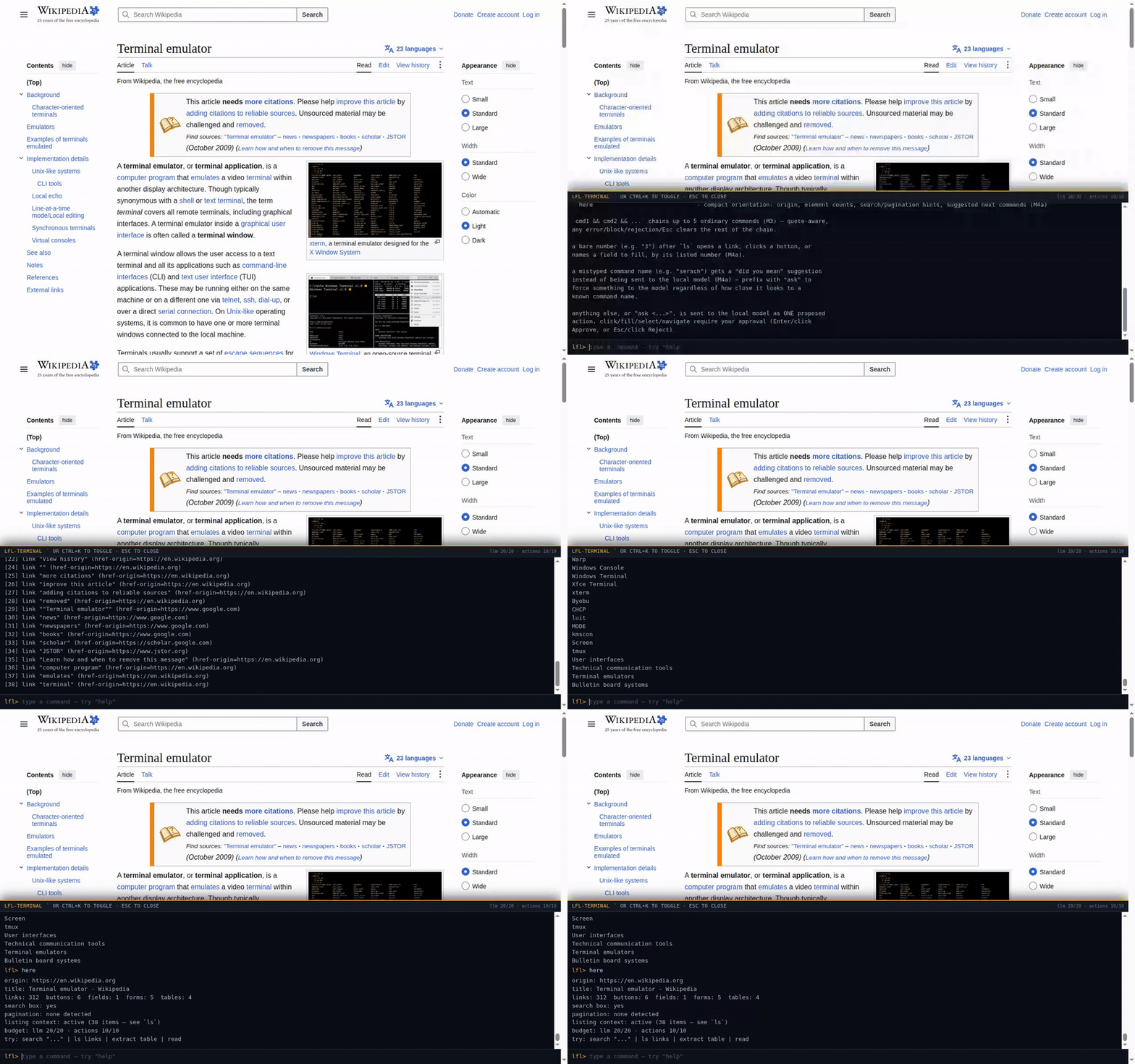
lfl-terminal drops a command line onto any site. Known commands (search,
open, ls, read, find, go, and more)
run deterministically, no model involved. Type something else and a local model proposes exactly
one action, which you approve, exact and literal, before it touches the page.
How it works
Deterministic commands run first
search, open, ls, read, find,
go and the rest never touch the model at all: regex parsing and DOM matching,
running the moment you press enter.
A local model proposes, you approve
Anything else goes to a model running on your own machine. It can only ever answer with one of a fixed set of actions, and every mutating one renders an approval card built from the real page element, not the model's own words, before anything runs.
Hard limits live in code
No filling a password or one-time-code field. No clicking or navigating off-origin. No non-http(s) scheme. These checks run in code the model never touches, and approval cannot bypass them.
What it will not do
The honest limits are the pitch, not a footnote under it.
- A local model can still be argued into proposing the wrong-but-technically-allowed action. A page can try to bias which legitimate action it reaches for; this project does not claim otherwise.
- The human approval step depends on the human actually reading it. Whatever gets rubber-stamped still runs.
- Some things a page's own script can do (open a new tab, delay a redirect past the moment this extension is watching, a meta-refresh) are not always something this extension can see, let alone stop, even though everything it can see and block, it does.
- There is a public, itemized threat model on GitHub: what is covered, what is a disclosed residual, and why. Read it before trusting this with anything you actually care about.
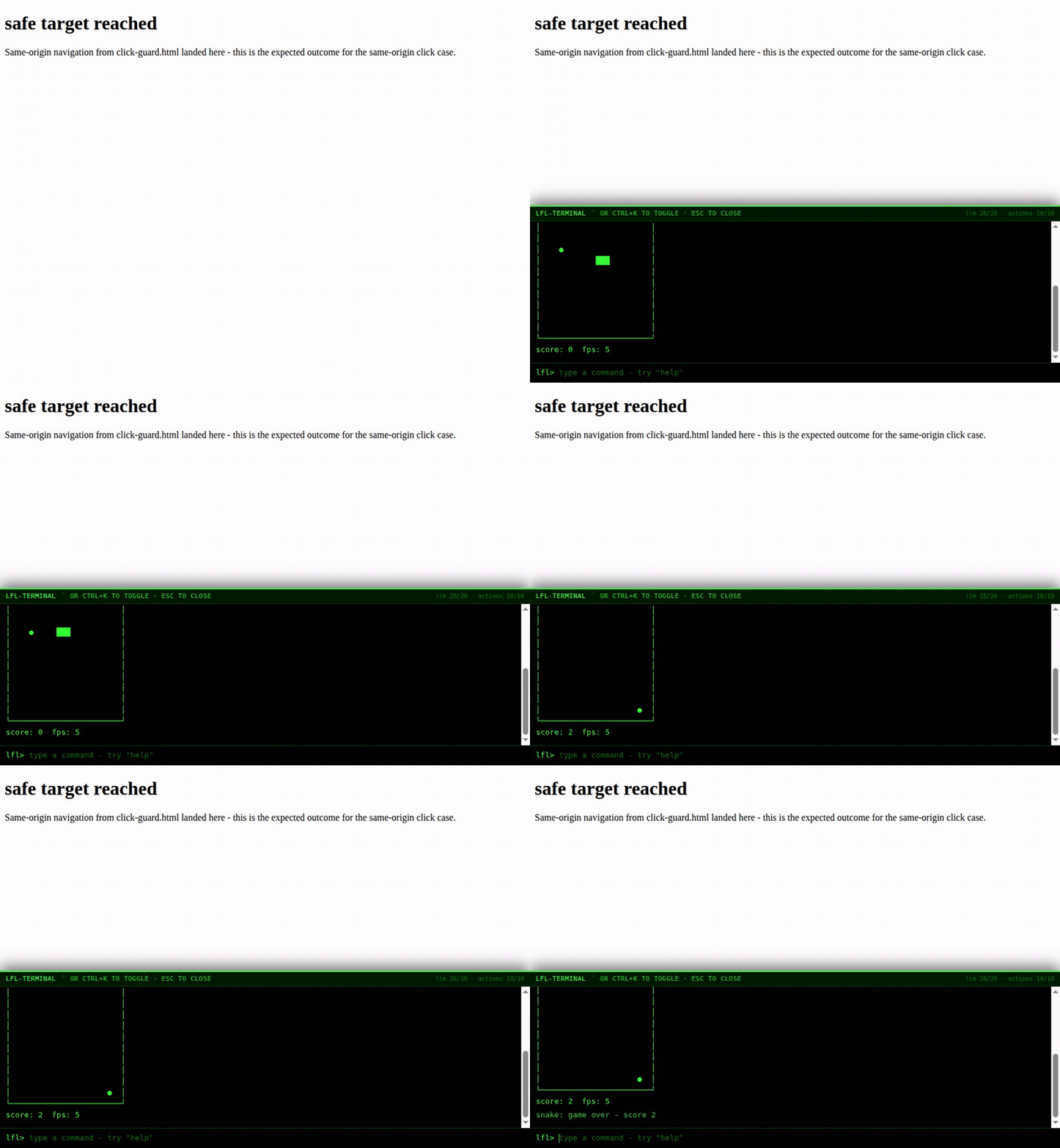
It also plays snake
Alongside the commands above there is a small fun pack: snake and 2048
rendered as plain text frames right in the terminal panel, a few color themes, and a steam
locomotive for anyone who mistypes ls. None of it is the point of the project, and
it runs under the exact same limits as everything else here: no network calls, no touching the
page, no exception.
Install it
v0.5.x, early, Chrome only (Manifest V3). Not on the Chrome Web Store yet: for now you load it unpacked straight from the repo.
- Clone or download the repo.
- Start a local model server (a llama.cpp-class server on your own machine, reachable only over loopback; the deterministic commands above still work even with it offline).
- Open
chrome://extensions, turn on Developer mode, click Load unpacked, and select theextension/directory. - On any page, press
`(backtick) orCtrl+Kto open the overlay.